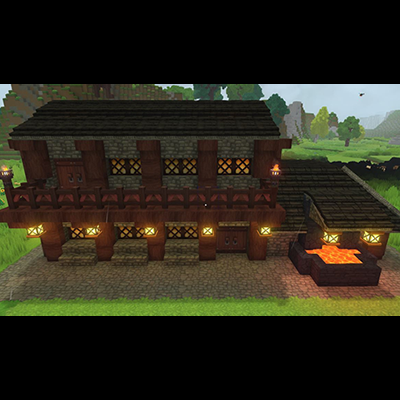
Blacksmith Workshop
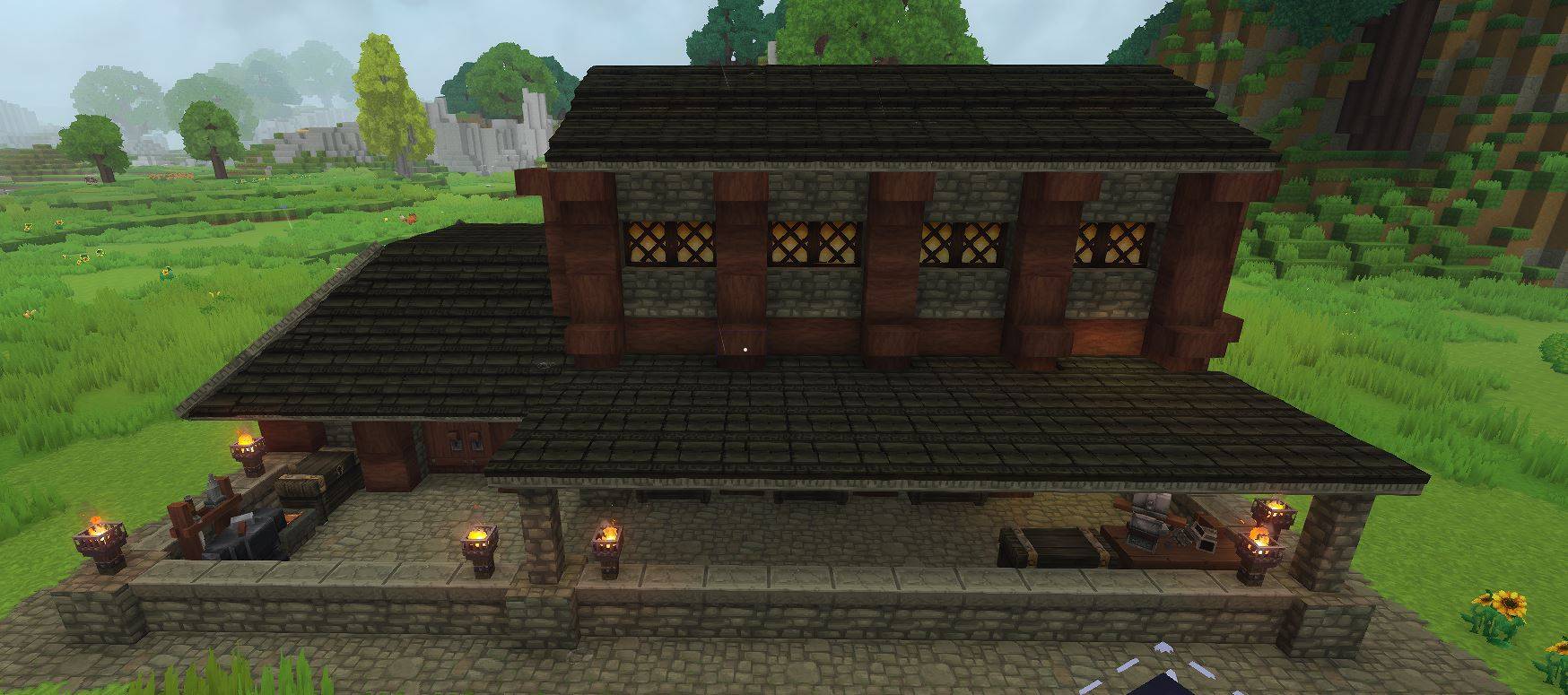
Blacksmith workshop for your world.
Скриншоты
Описание
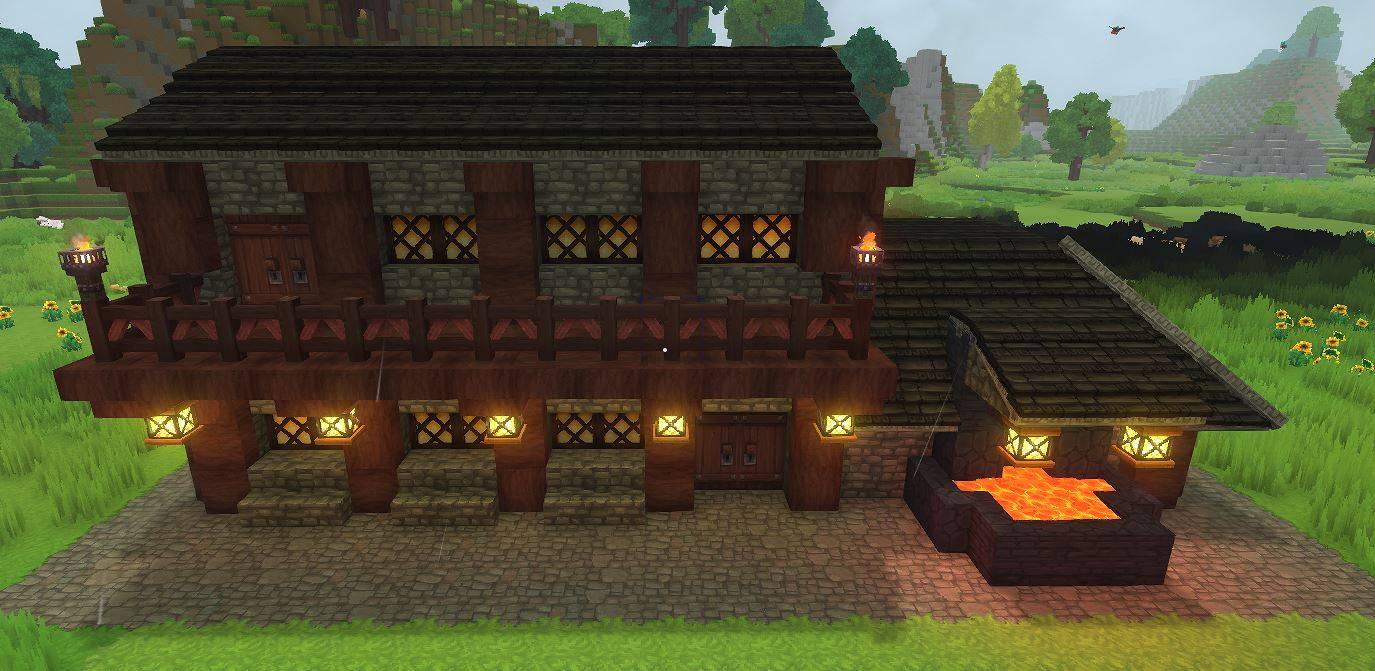
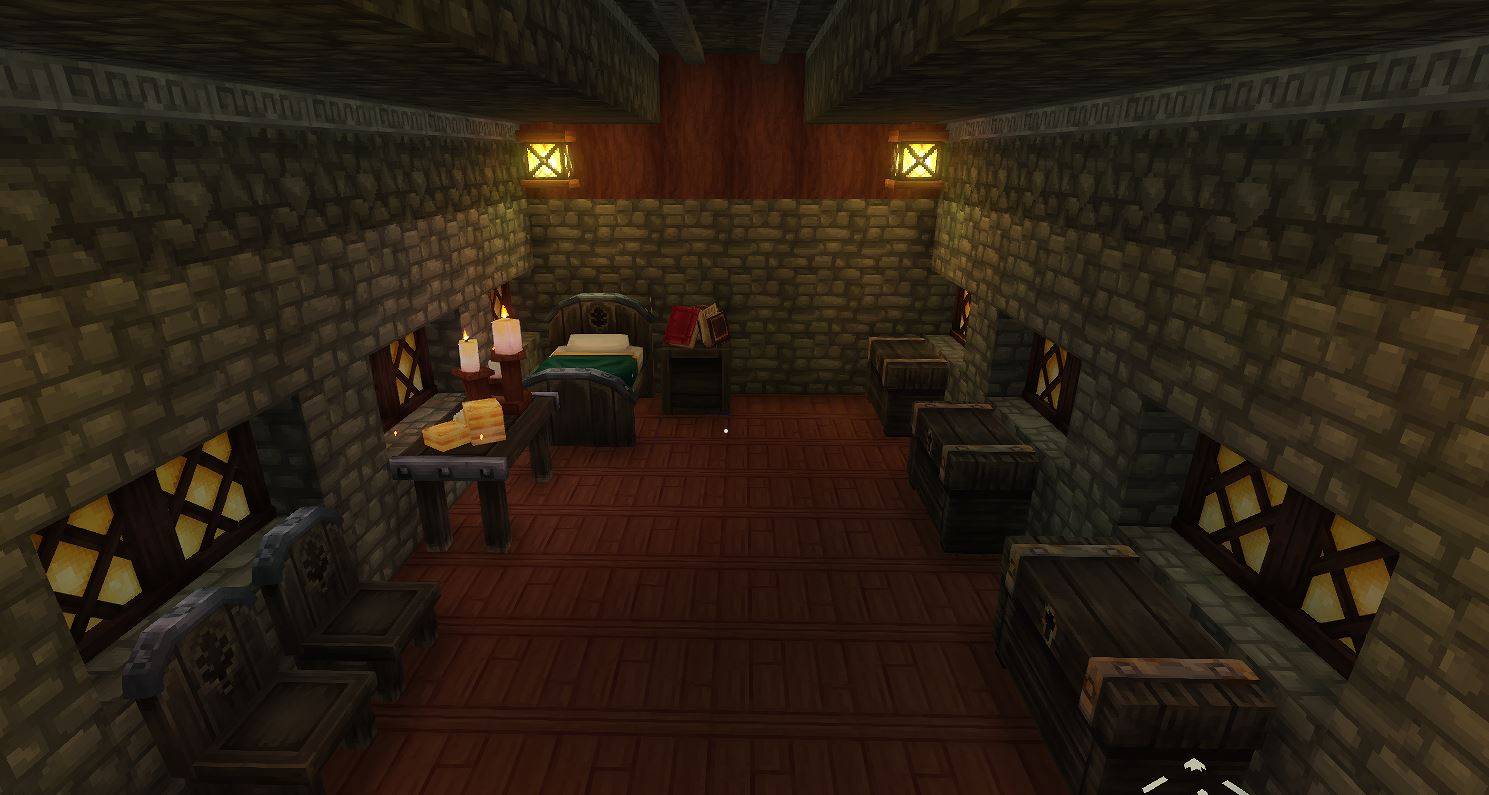
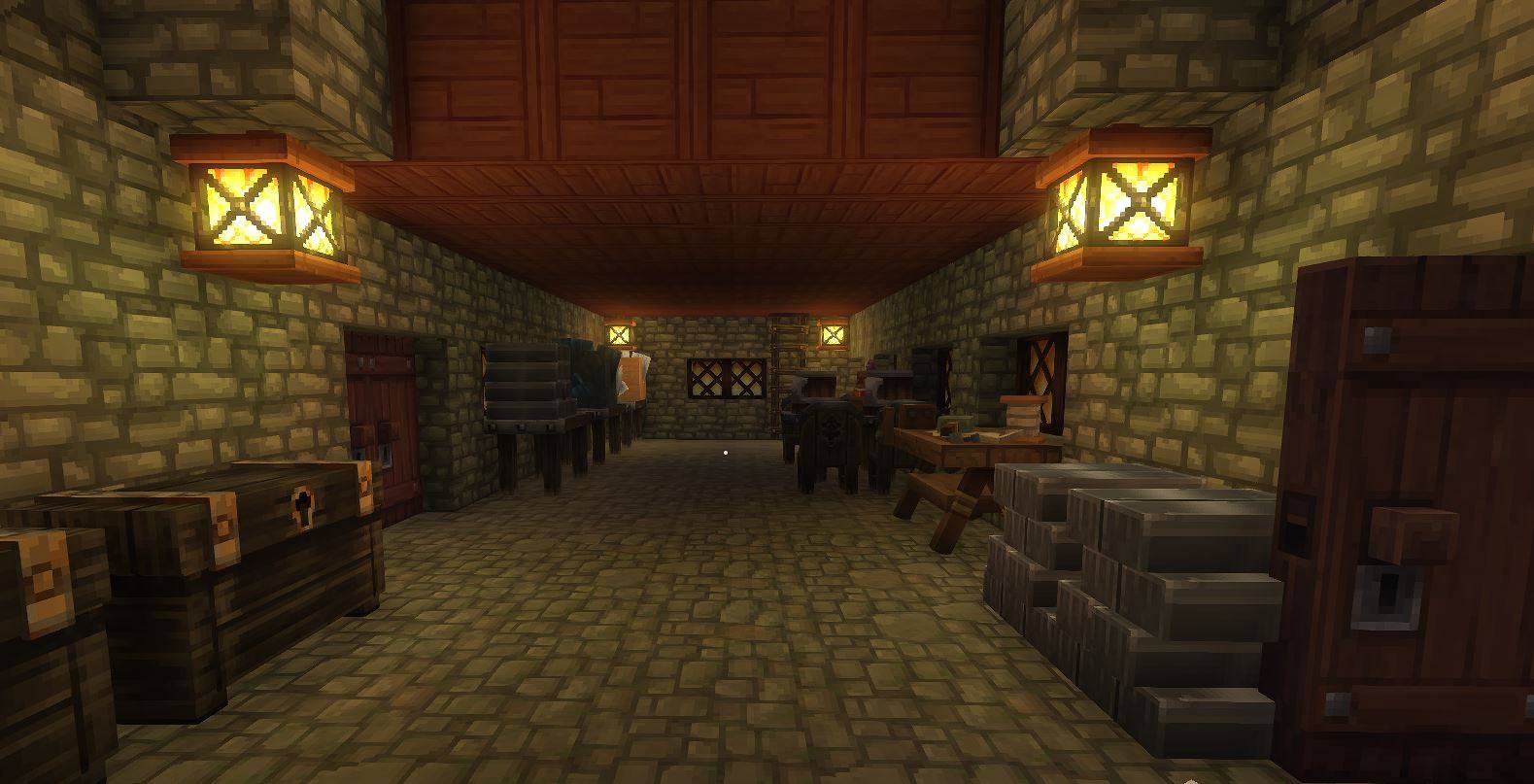
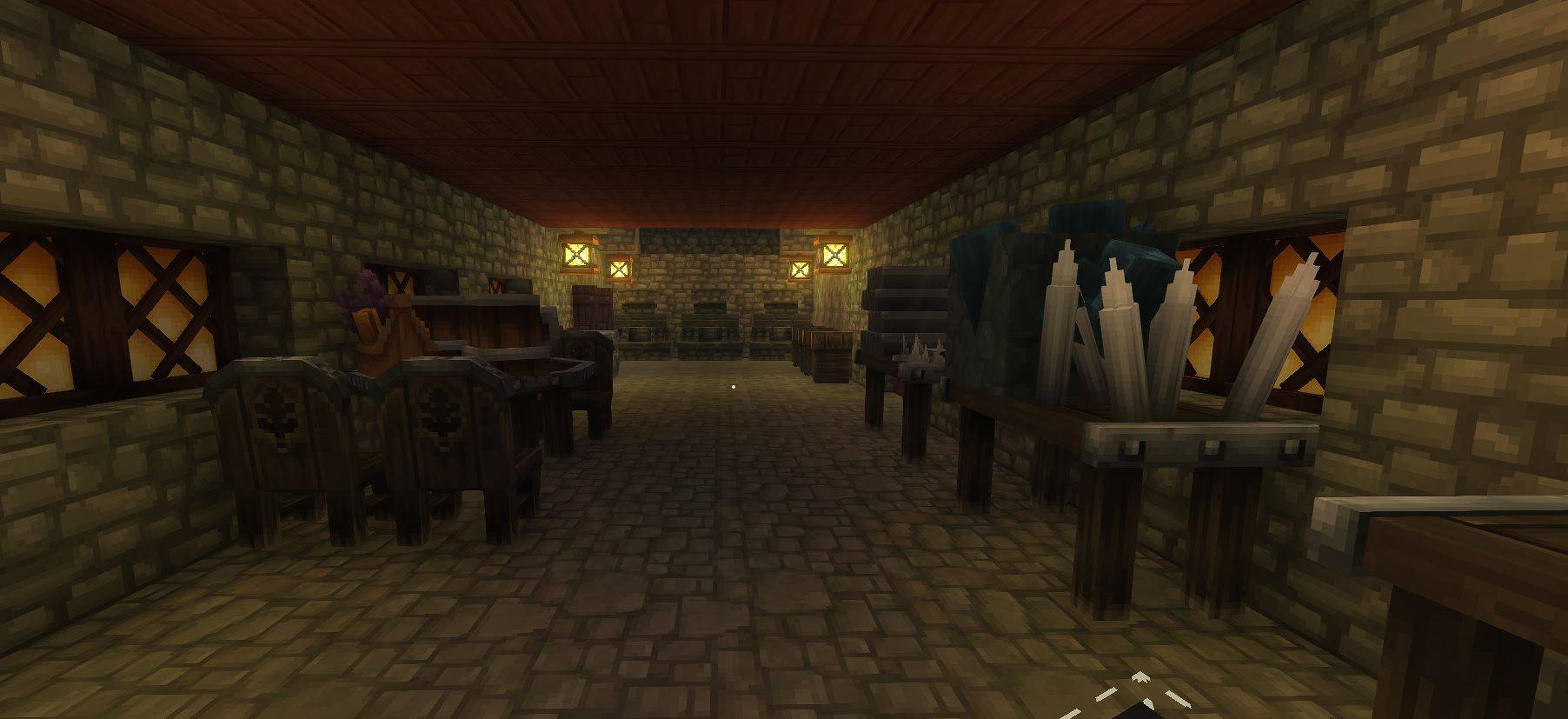
Мастерская Blacksmith
Оснащен всеми инструментами, необходимыми для создания бронетанкового оружия и кузнечного дела вашей руды.
Чтобы загрузить это в свой мир, отправляйтесь в
C:\Users\YOURNAME\AppData\Roaming\Hytale\UserData\Saves
Выберите мир, в котором вы хотите использовать это
Создайте папку под названием «prefabs» (ВСЕ LOWERCASE)
Бросьте файл .json в папку prefab
Как только вы загрузите свой мир
Нажмите B, чтобы открыть творческие инструменты
Выделить мир > Нажмите Prefab List
Изменение активов на сервер
Выберите файл
Место в мире
Сделано
Чтобы загрузить префабы на сервер Hytale, поместите файлы префабов .json в каталог /hytale/Server/prefabs в корне файлов вашего сервера. После загрузки используйте команду '/prefab load <filename in-game для загрузки структуры.
Показать оригинальное описание (English)
Blacksmith Workshop
Equiped with all the tools needs to build armor weapons and smith your ore.
To load this in your world go to
C:\Users\YOURNAME\AppData\Roaming\Hytale\UserData\Saves
Select the world you want to use this on
Create a folder named "prefabs" (ALL LOWERCASE)
Drop the .json file into the prefab folder
Once you have loaded your world
Press B to open Crative Tools
Highlight World > Click Prefab List
Change Assets To Server
Select The File
Place In World
Done
To load prefabs into a Hytale server, place the .json prefab files into the /hytale/Server/prefabs directory at the root of your server files. Once uploaded, use the command `/prefab load <filename in-game to load the structure.
Последние версии
Blacksmith.prefab.zip
Информация
Авторы:
Категории:
Версии игры:
Создан: 21.01.2026