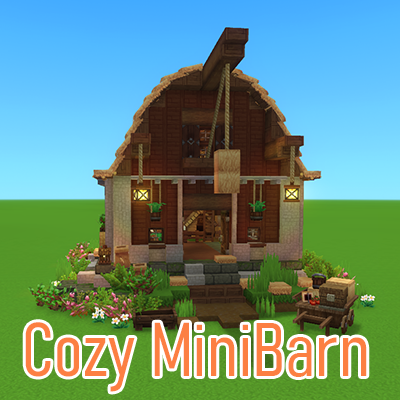
Cozy Barn with Coop and Storage
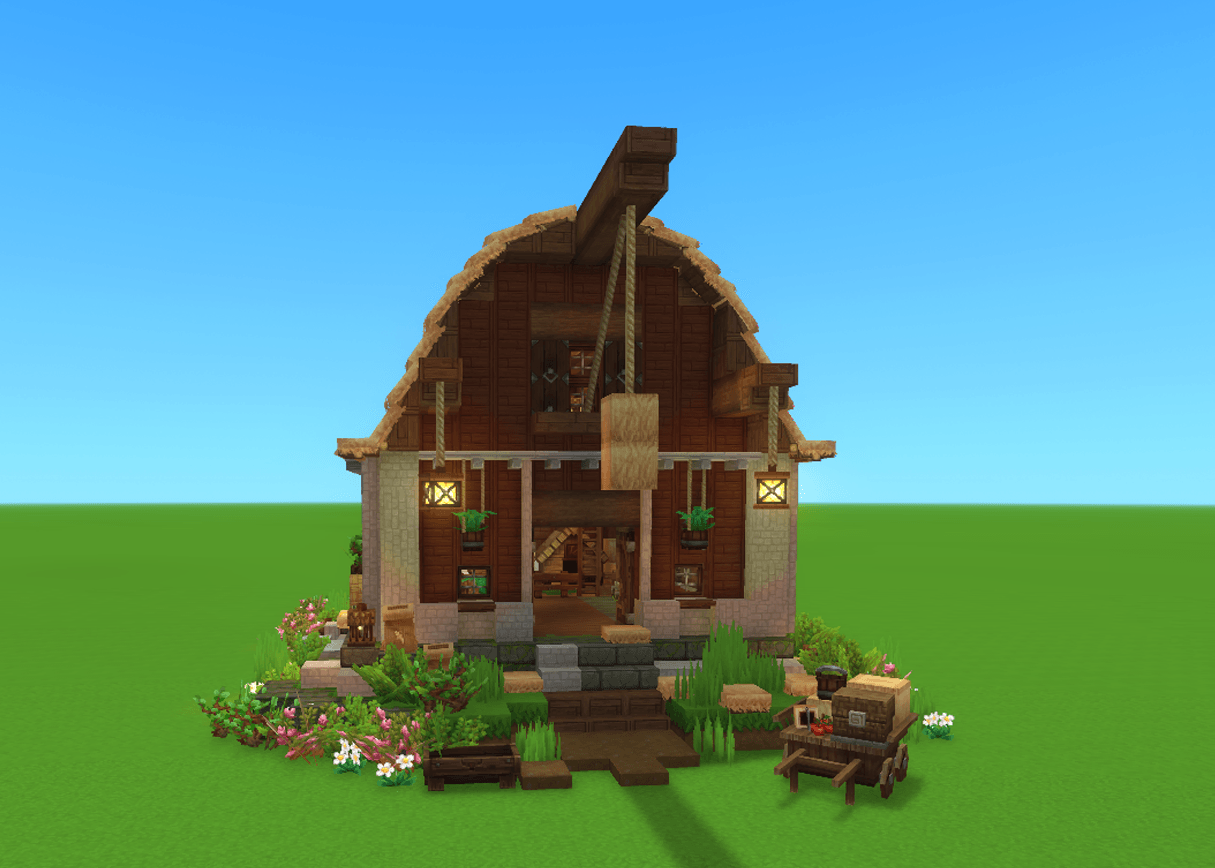
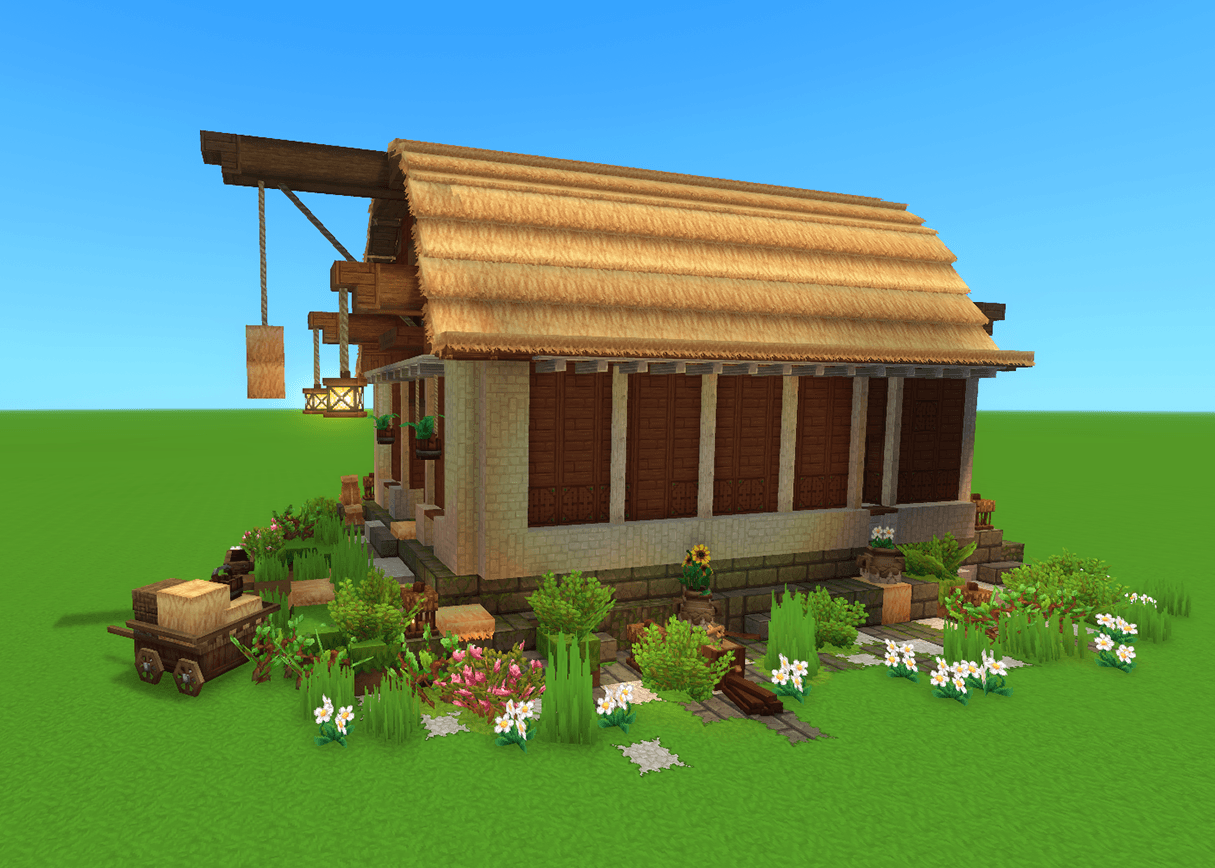
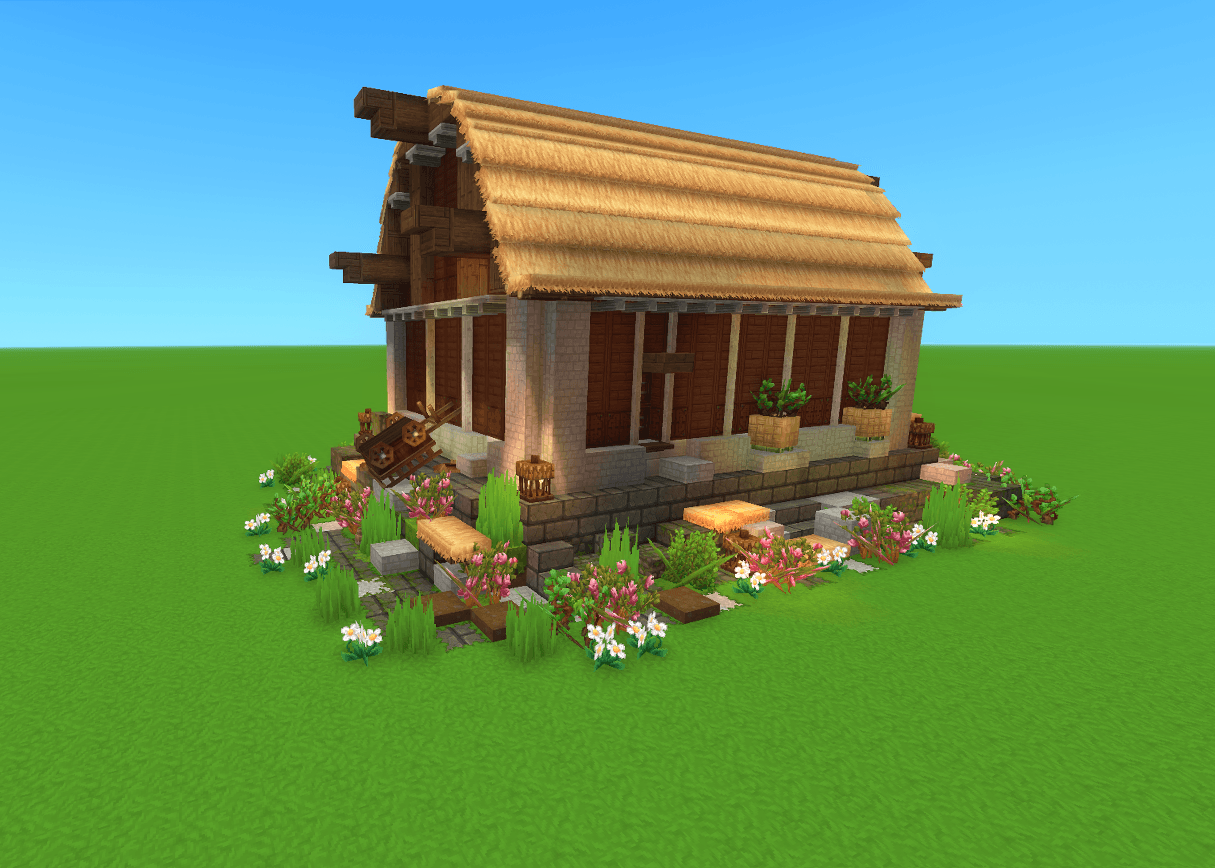
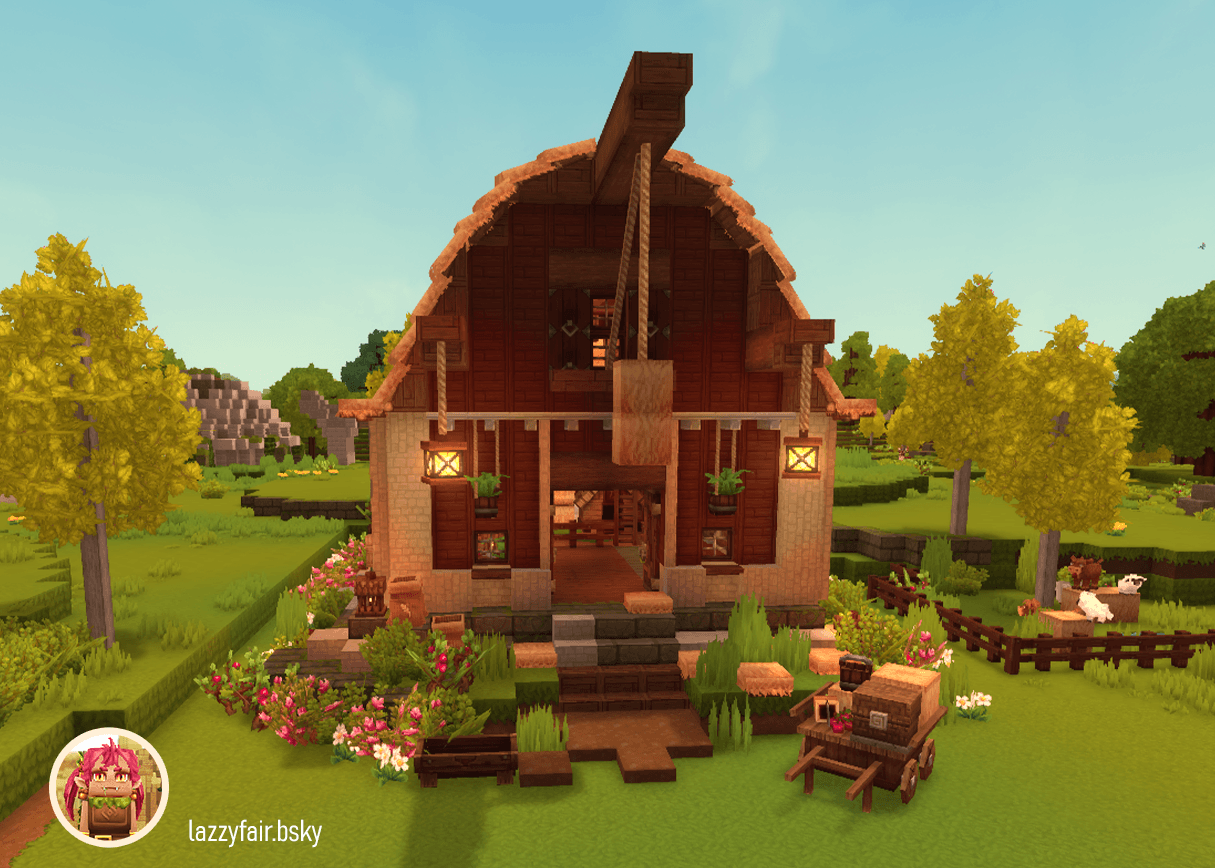
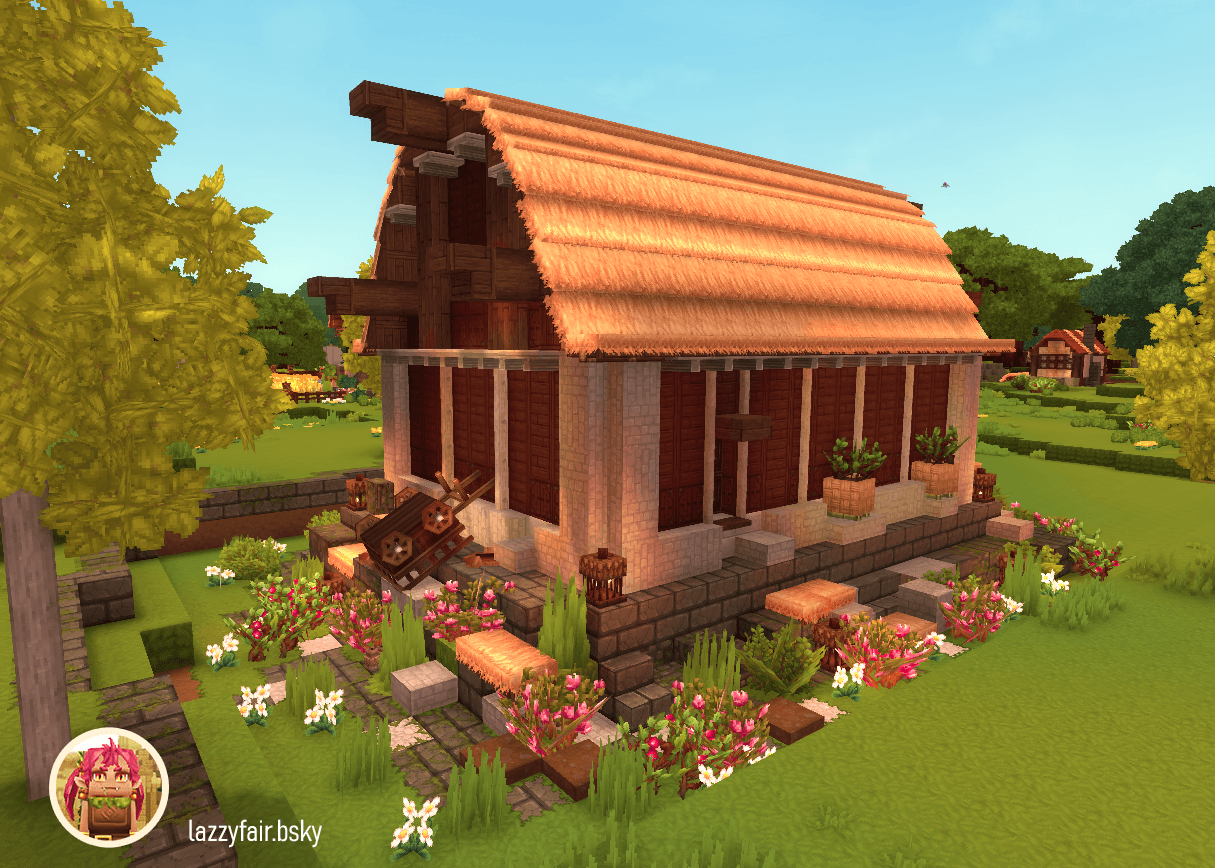
Prefab for a small cozy Barn with 12 large chests and a chicken coop.
Скриншоты
Описание
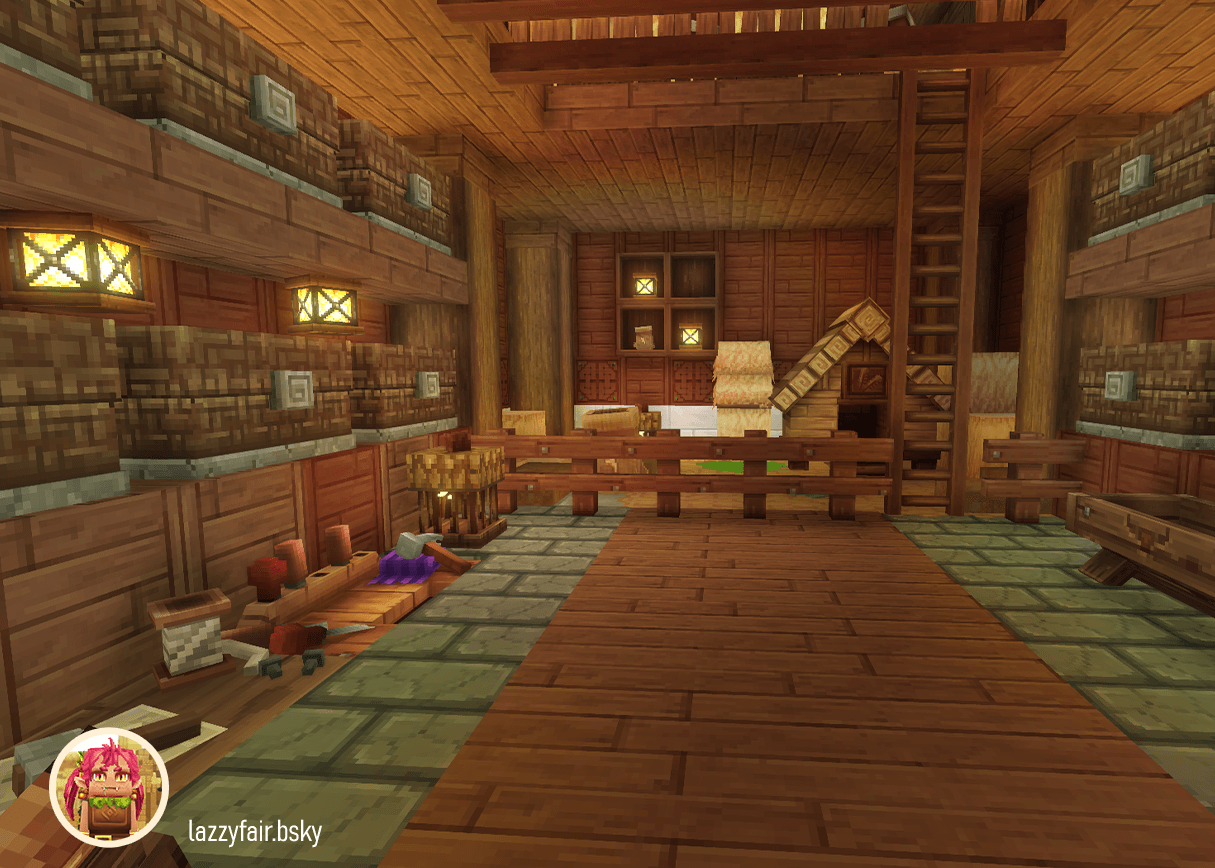
Уютный амбар с Купом и хранилищем приносит компактный, подробный сарай для фермы Hytale World - в комплекте с курятником и полностью оборудованной зоной хранения. Сад стоит на прочном каменном и травяном фундаменте, использует высококачественные древесные материалы для стен, полов и крыши и поддерживается массивными стволами деревьев. Внутри вы найдете несколько больших сундуков Kweebec с 36 слотами для ваших ресурсов, а также продуманные украшения и освещение для уютной атмосферы.
Технические характеристики: 2584 размещают блоки в структуре блока 21×14×31 (ширина × высота × глубина).
установка
Hytale Prefabs не являются модами и не заходят в папку Mods.
- Создайте папку «prefabs» (нижнюю папку) внутри желаемой папки сохранения, если она не существует.
- Декомпрессия Zip и Extact JSON File
- Скопируйте файл JSON (например, «Cozy-Barn-with-Coop-and-Storage.prefab.json») прямо в эту папку.
Пример пути (Windows):C:\Users\[YourUsername]\AppData\Roaming\Hytale\UserData\Saves\[YourSaveName]\prefabs
- Открыть
%appdata%\Hytale\UserData\SavesWindows Run (Win+R). - Выберите папку сохранения, создайте «prefabs» внутри нее и разместите файл там.
- Prefab теперь доступен с строительными инструментами
Совет: Сначала создайте тестовый префаб в игре, чтобы автоматически генерировать папку.
Информация о Entity-Tool
- Грудь на вагоне была помещена в качестве украшения с использованием инструмента Entity и не является функциональной / полезной.
- Все объекты сохраняются при удалении сборки с помощью команды /clear.
- Чтобы удалить: Нажмите O, чтобы войти в творческий режим.
- Выберите Entity Tool из меню Build (таблица Инструменты).
- Нажмите на объект и нажмите DEL, чтобы удалить его.
Использование Prefab в режиме исследования
Вы можете использовать префабы даже в режиме исследования, временно переключившись на Creative.
- Пресса О! Открыть креативный режим. Если это не удается, открытый чатВходить) и тип
op self - Пресса О! Снова в творческий режим.
- Пресса вкладка Чтобы открыть меню Build, выберите четвертая вкладка (Иконка инструментов).
Размещение Prefab
- Возьми Инструмент пасты В свою горячую панель и закрыть инвентарь.
- Выберите Инструмент пасты и пресса Е Загрузить префаб.
- Выбрать "Слуга" Из выпадающего списка выберите предфаб (например, «Cozy-Barn-with-Coop-and-Storage»).
- Поместите его с помощью инструмента пасты - сделано!
Показать оригинальное описание (English)
Cozy Barn with Coop and Storage brings a compact, detailed farm barn to your Hytale world – complete with chicken coop and fully equipped storage area. The barn stands on a sturdy stone and grass foundation, uses high-quality wood materials for walls, floors, and roof, and is supported by massive tree trunks. Inside, you'll find several large Kweebec chests with 36 slots each for your resources, plus thoughtfully placed decorations and lighting for a cozy atmosphere.
Technical specs: 2,584 placed blocks in a 21×14×31 block structure (width×height×depth).
Installation
Hytale Prefabs are not mods and do not go in the Mods folder.
- Create a "prefabs" folder (lowercase) inside your desired save folder if it doesn't exist.
- Decompress zip and extact JSON File
- Copy the JSON file (e.g., "Cozy-Barn-with-Coop-and-Storage.prefab.json") directly into this folder.
Path Example (Windows):C:\Users\[YourUsername]\AppData\Roaming\Hytale\UserData\Saves\[YourSaveName]\prefabs
- Open
%appdata%\Hytale\UserData\Savesvia Windows Run (Win+R). - Select your save folder, create "prefabs" inside it, and place the file there
- Prefab is now available with Building Tools
Tip: Create a test prefab in-game first to auto-generate the folder.
Info on Entity-Tool
- The chest on the wagon was placed as decoration using the Entity Tool and is not functional/useable.
- All entities persist when removing the build with the /clear command.
- To remove: Press O to enter Creative Mode.
- Select the Entity Tool from the Build menu (Tools tab).
- Click the entity and press DEL to delete it.
Using Prefab in Exploration Mode
You can use prefabs even in Exploration Mode by temporarily switching to Creative.
- Press O to open Creative Mode. If that fails, open chat (Enter) and type
/op self - Press O again to enter Creative Mode.
- Press Tab to open the Build menu, then select the fourth Tab (Tools icon).
Placing the Prefab
- Take the Paste Tool into your hotbar and close inventory.
- Select the Paste Tool and press E to load a prefab.
- Select "Server" from the dropdown, choose your prefab (e.g., "Cozy-Barn-with-Coop-and-Storage").
- Place it using the Paste Tool – done!
Последние версии
Cozy Barn with Coop and Storage.prefab.zip
Информация
Авторы:
Категории:
Версии игры:
Создан: 25.01.2026