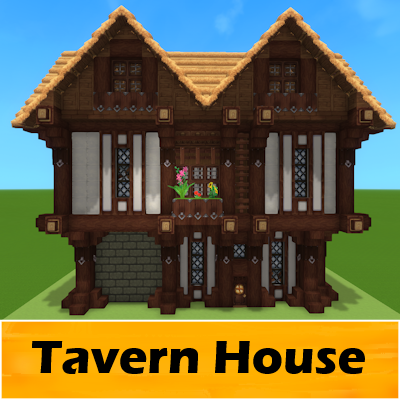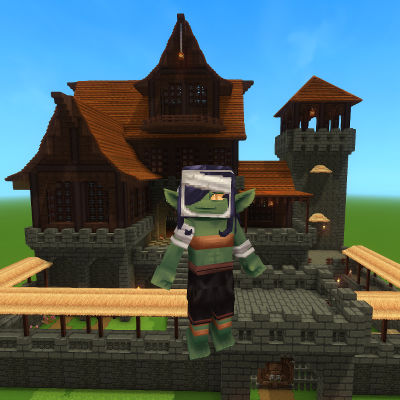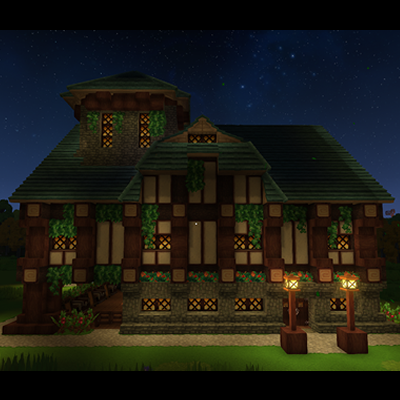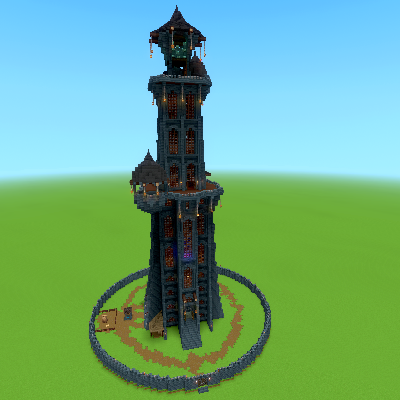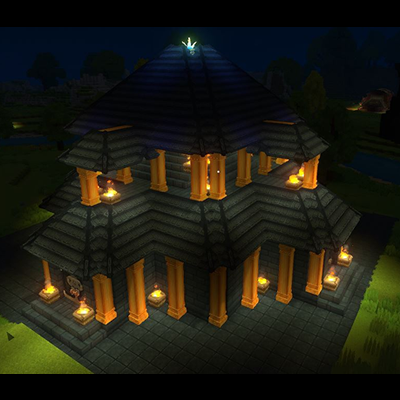
Gilded Starter Temple
A temple to use for the spawn area of your world
Скриншоты
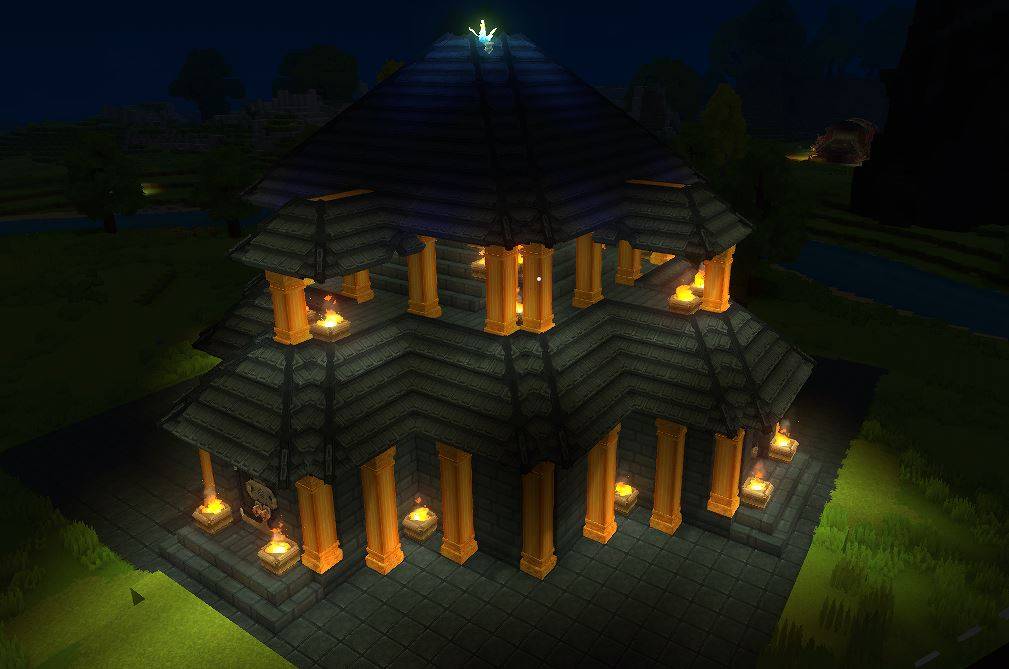


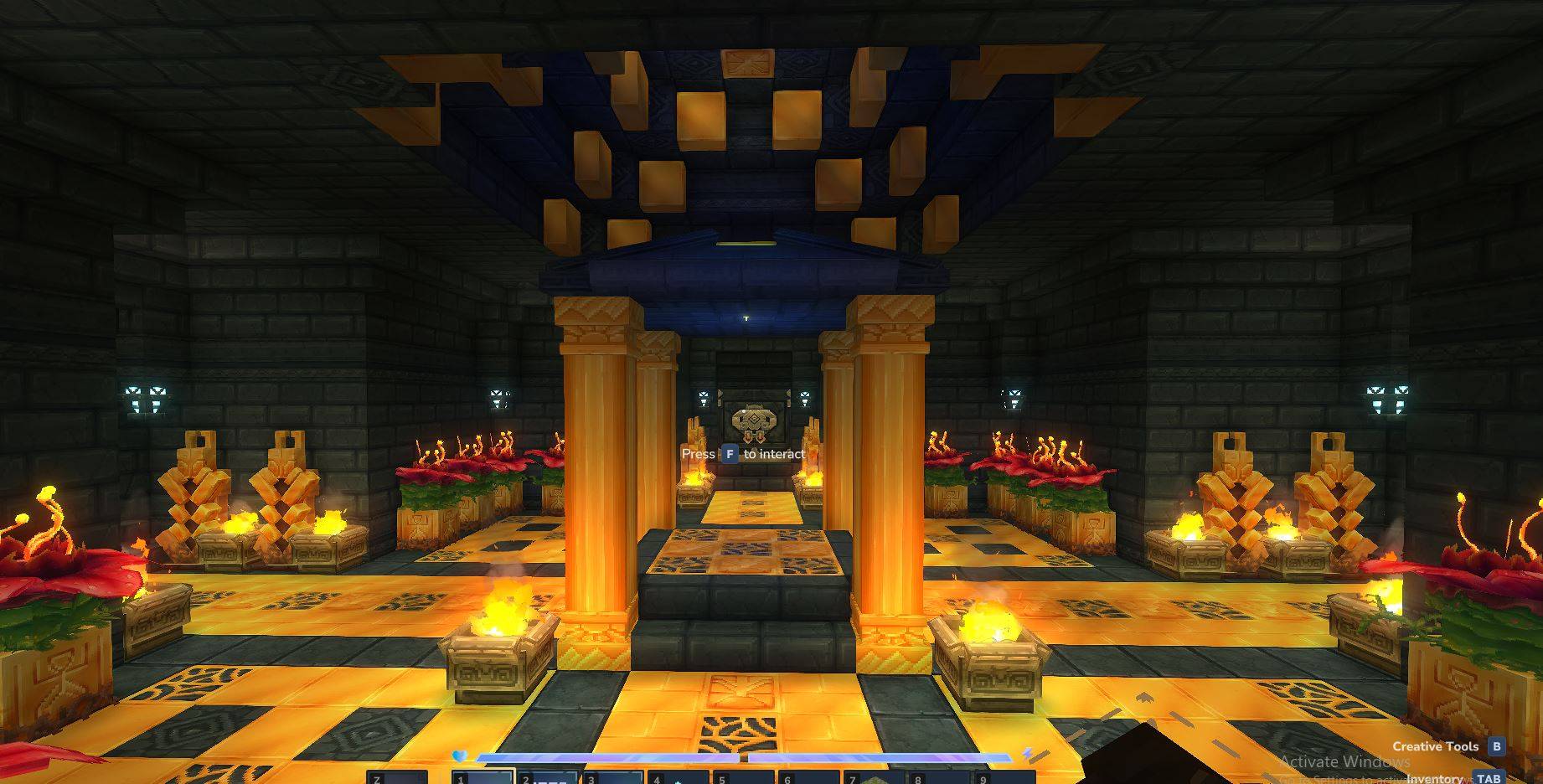
Описание
Запуск храма или нерестилища для вашего мира.
Чтобы загрузить это в свой мир, отправляйтесь в
C:\Users\YOURNAME\AppData\Roaming\Hytale\UserData\Saves
Выберите мир, в котором вы хотите использовать это
Создайте папку под названием «prefabs» (ВСЕ LOWERCASE)
Бросьте файл .json в папку prefab
Как только вы загрузите свой мир
Нажмите B, чтобы открыть творческие инструменты
Выделить мир > Нажмите Prefab List
Изменение активов на сервер
Выберите файл
Место в мире
Сделано
Чтобы загрузить префабы на сервер Hytale, поместите файлы префабов .json в каталог /hytale/Server/prefabs в корне файлов вашего сервера. После загрузки используйте команду '/prefab load <filename in-game для загрузки структуры.
Показать оригинальное описание (English)
Starting temple or spawn area for your world.
To load this in your world go to
C:\Users\YOURNAME\AppData\Roaming\Hytale\UserData\Saves
Select the world you want to use this on
Create a folder named "prefabs" (ALL LOWERCASE)
Drop the .json file into the prefab folder
Once you have loaded your world
Press B to open Crative Tools
Highlight World > Click Prefab List
Change Assets To Server
Select The File
Place In World
Done
To load prefabs into a Hytale server, place the .json prefab files into the /hytale/Server/prefabs directory at the root of your server files. Once uploaded, use the command `/prefab load <filename in-game to load the structure.
Последние версии
Gilded Starter Temple.prefab.zip
Информация
Авторы:
Категории:
Версии игры:
Создан: 21.01.2026