Improved Third Person
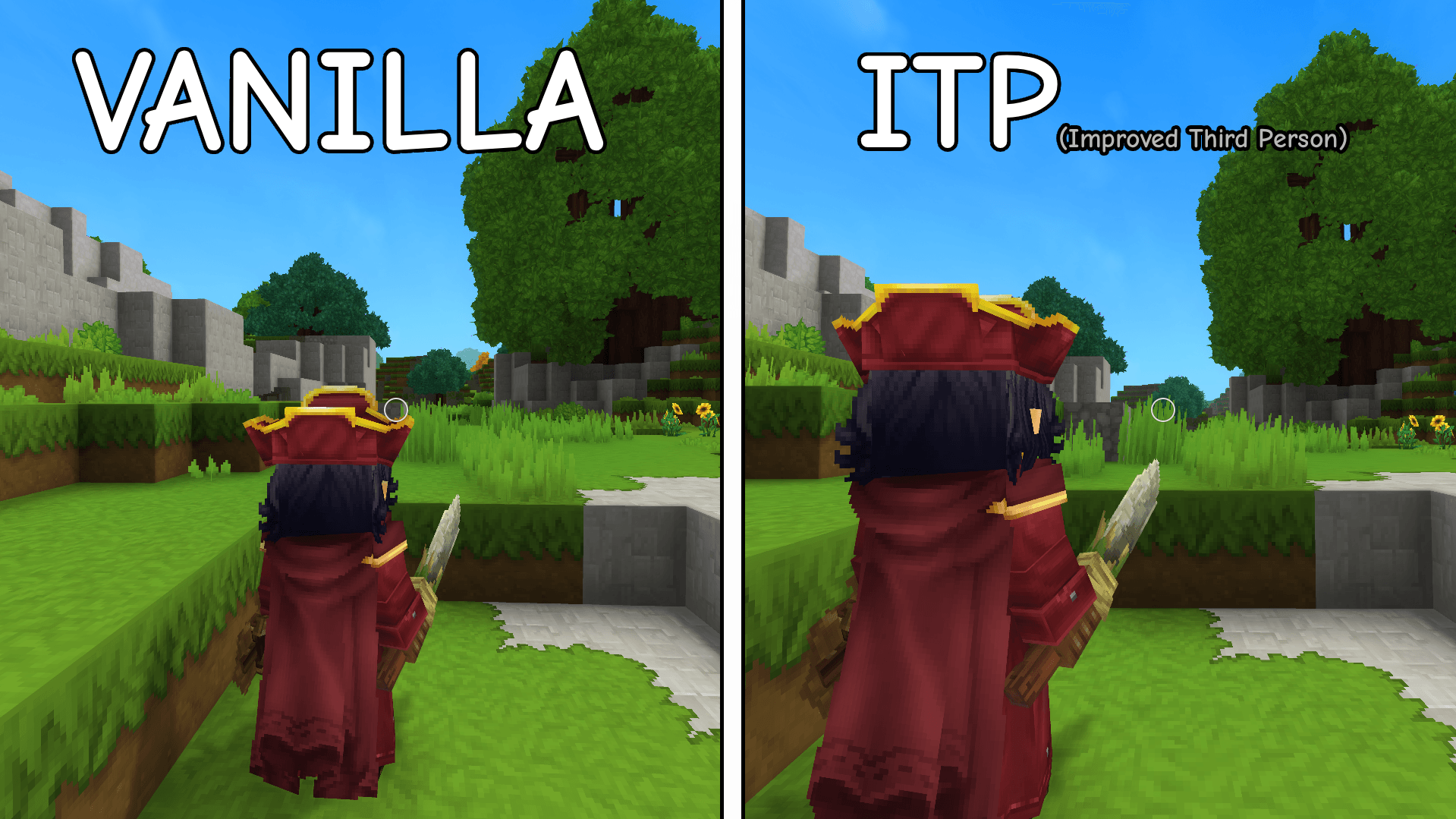
A simple camera adjustment mod that improves third person view positioning for a more RPG and natural gameplay perspective.
Скриншоты
Описание
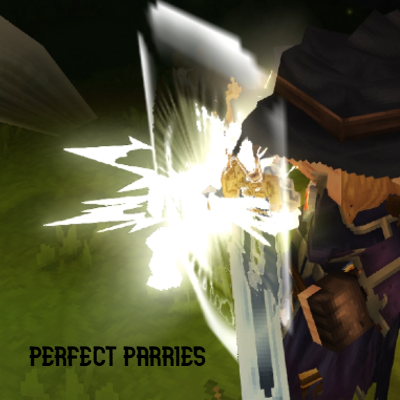
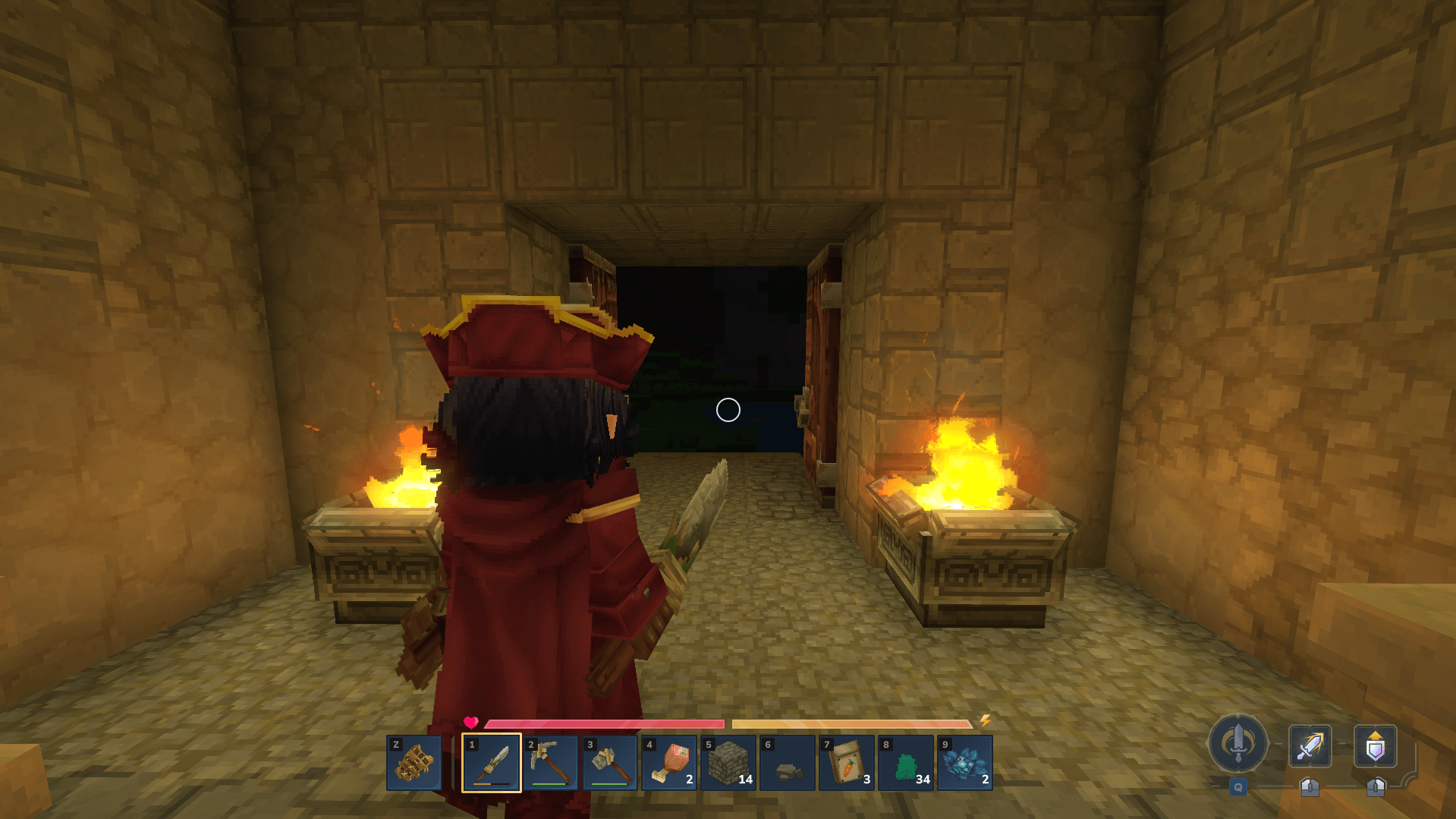
Улучшенный третий человек Это специализированный мод камеры, предназначенный для улучшения игрового опыта от третьего лица в Hytale. Он обеспечивает более естественную, RPG-подобную и визуально сбалансированную перспективу, тонко регулируя положение камеры относительно персонажа. Геймплей от первого лица остается полностью незатронутым, обеспечивая сохранение альтернативной перспективы.
Настройка:
Вы можете персонализировать камеру третьего лица в соответствии с вашими предпочтениями, изменив смещения позиции!
-
Навигация для
AppData\Roaming\Hytale\UserData\Mods. -
Извлеките Улучшенный сайт Third Person.zip.
-
Открыть
\Server\Models\Human\Player.jsonв текстовом редакторе, таком как Notepad, для доступа и редактирования файла. -
Расположение
"Камера"Раздел и изменение"PositionOffset"значения для X, Y и Z.
XX Настраивает горизонтальное смещение, слегка перемещая камеру влево или вправо от персонажа.
Y Управляет вертикальной высотой камеры относительно головы персонажа.
Z Устанавливает расстояние камеры позади персонажа.
Дайте мне знать ваши мысли о комментариях, что можно изменить, исправить или улучшить!
Показать оригинальное описание (English)
Improved Third Person is a specialized camera mod designed to enhance the third person gameplay experience in Hytale. It provides a more natural, RPG-like, and visually balanced perspective by subtly adjusting the camera’s position relative to the character. First person gameplay remains completely unaffected, ensuring your alternate perspective is preserved.
Customization:
You can personalize the third person camera to suit your preferences by modifying the position offsets!
-
Navigate to
AppData\Roaming\Hytale\UserData\Mods. -
Extract the Improved Third Person.zip.
-
Open
\Server\Models\Human\Player.jsonin a text editor like Notepad to access and edit the file. -
Locate the
"Camera"section and modify the"PositionOffset"values for X, Y, and Z.
X adjusts the horizontal offset, moving the camera slightly to the left or right of the character.
Y controls the vertical height of the camera relative to the character’s head.
Z sets the distance of the camera behind the character.
Let me know your thoughts on the comments, what could be changed, fixed, or improved!
Последние версии
Improved Third Person.zip
Информация
Авторы:
Категории:
Версии игры:
Создан: 18.01.2026